
Convert a bank statement PDF to Excel, without handing the statement to a free website.
A statement is a list of transactions that already looks like a table. That is exactly why converters make a mess of it, and why uploading it to a free tool is the one thing your bank would tell you not to do.
The short answer
Saff returns one row per uploaded document. Use it to collect account details, the statement period, and opening and closing balances. It does not create a separate spreadsheet row for each bank transaction.
The part that is not obvious is the safety question. A statement carries your account number, your balance and three months of who you paid. A free web converter keeps the uploaded file on its own servers for a period of hours; its terms say so. Saff does not keep the file after extraction unless you connect your own storage, and the values it extracts stay in your workspace, encrypted.
Why converters mangle bank statements
A statement is a table, so a converter that copies the layout should do well. In practice it does badly, for three reasons. Descriptions wrap onto a second line, and the converter turns the second line into a new row with no date. Withdrawals and deposits sit in separate columns that some banks print as one column with a minus sign, and the converter picks one behaviour per page. And the running balance is right-aligned under a header that is not above it, so it lands two columns away.
Then there are the pages. A three-month statement runs to twelve pages, with a header and a footer on each. The converter keeps every one of them, so your transaction list has eleven repeated headers in the middle of it and the page-break rows have to be deleted by hand.
If the statement is a scan or a photo of a printed statement, the converter finds no text at all and returns a blank sheet. See the scanned documents article for why.
| Column | Why it is collected | What goes wrong in a converter |
|---|---|---|
| Account holder | Identify the account owner. | Check the exact legal name. |
| Account number | Match the statement to an account. | Keep identifiers as text. |
| Statement period | Identify the period covered. | Distinguish issue date from the covered period. |
| Opening balance | Record the starting balance. | Check the currency and sign. |
| Closing balance | Record the ending balance. | Compare with the statement summary. |
| Currency | Interpret the balances. | Use the currency printed on the statement. |
How Saff converts a bank statement to Excel
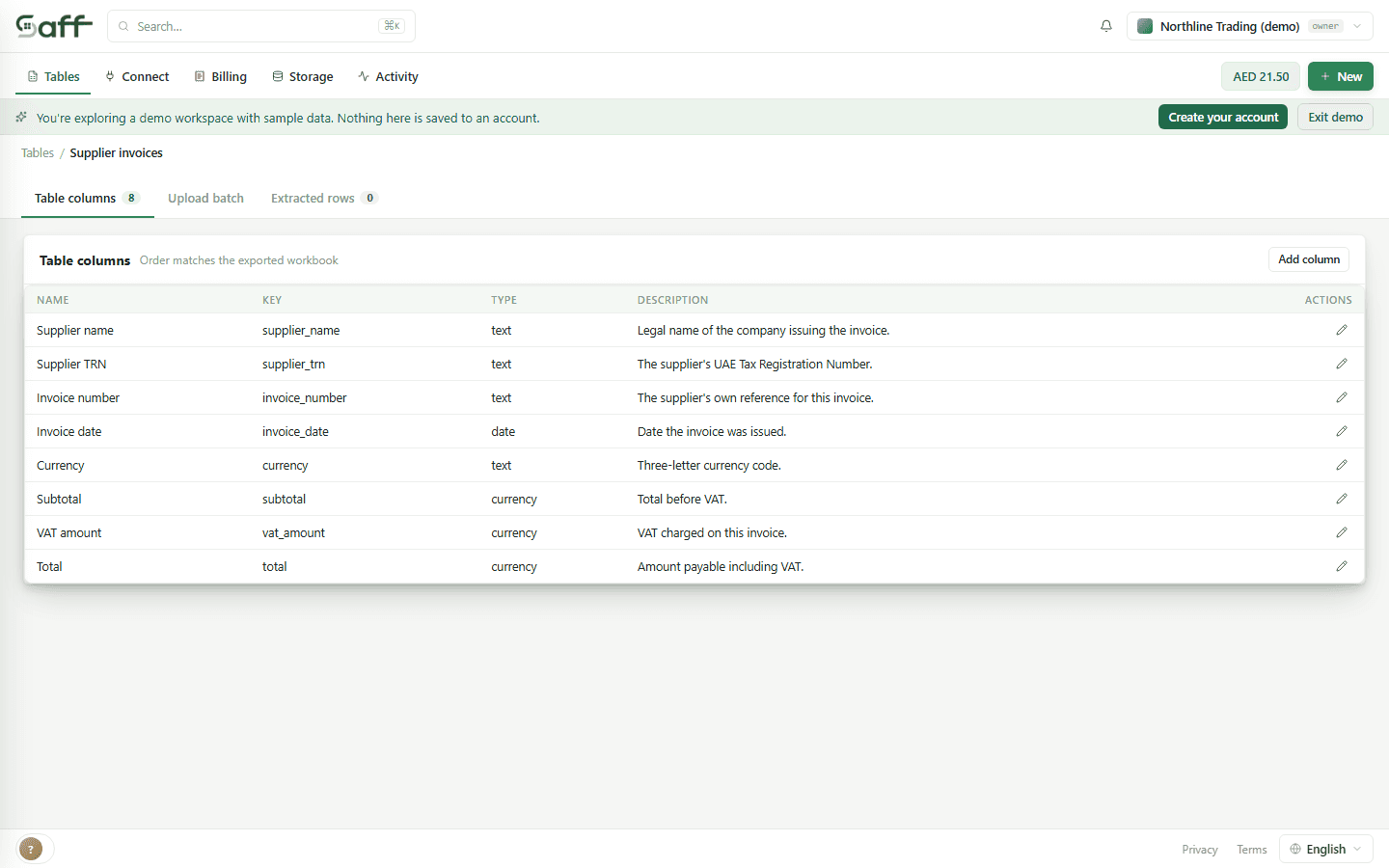
Create a table for statement-level fields such as account holder, account number, statement period, opening balance, closing balance and currency. Each PDF or image produces one row. Use a transaction extraction tool if you need a row for every payment.
Review flagged values and their supporting text when available. Retained originals open in a separate tab. Check the statement totals against your records before exporting; this export is a statement register, not a transaction ledger.
What Saff will not do with a bank statement
It will not categorise your transactions or connect to your bank. It reads the document you give it into the columns you named; what those transactions mean is your accountant's job, and the export is built to hand to them.
It will not guarantee every value. A statement with a faint print run or a photographed page with glare on the amounts will produce flagged cells, and those are the ones to check. The balance column is there so a wrong number shows itself.
Is it safe to upload a bank statement to an online converter?
Read what the tool does with the file. Most free converters keep it on their servers for a period of hours and say so in their terms. Saff removes the original after extraction unless you connect your own storage, keeps the extracted values encrypted in your workspace, and can be installed inside your company if the statement cannot leave it.
Can I convert a multi-page bank statement?
Yes. Documents of up to five pages are the base price; a longer statement costs proportionally more. Page headers and footers do not become rows.
Does it work with a scanned or photographed statement?
Yes. The page is read as an image, values are extracted into your columns, and anything unclear is flagged for a person to check against the picture.
Which banks does it support?
Any. Saff does not have bank-specific templates; it reads the statement against the columns you named, so a layout it has never seen works the same as one it sees every day.
Convert this month's statement
Fifteen documents a month are free, no card. The statement is not kept after extraction.